

WhyyouneedaNAS
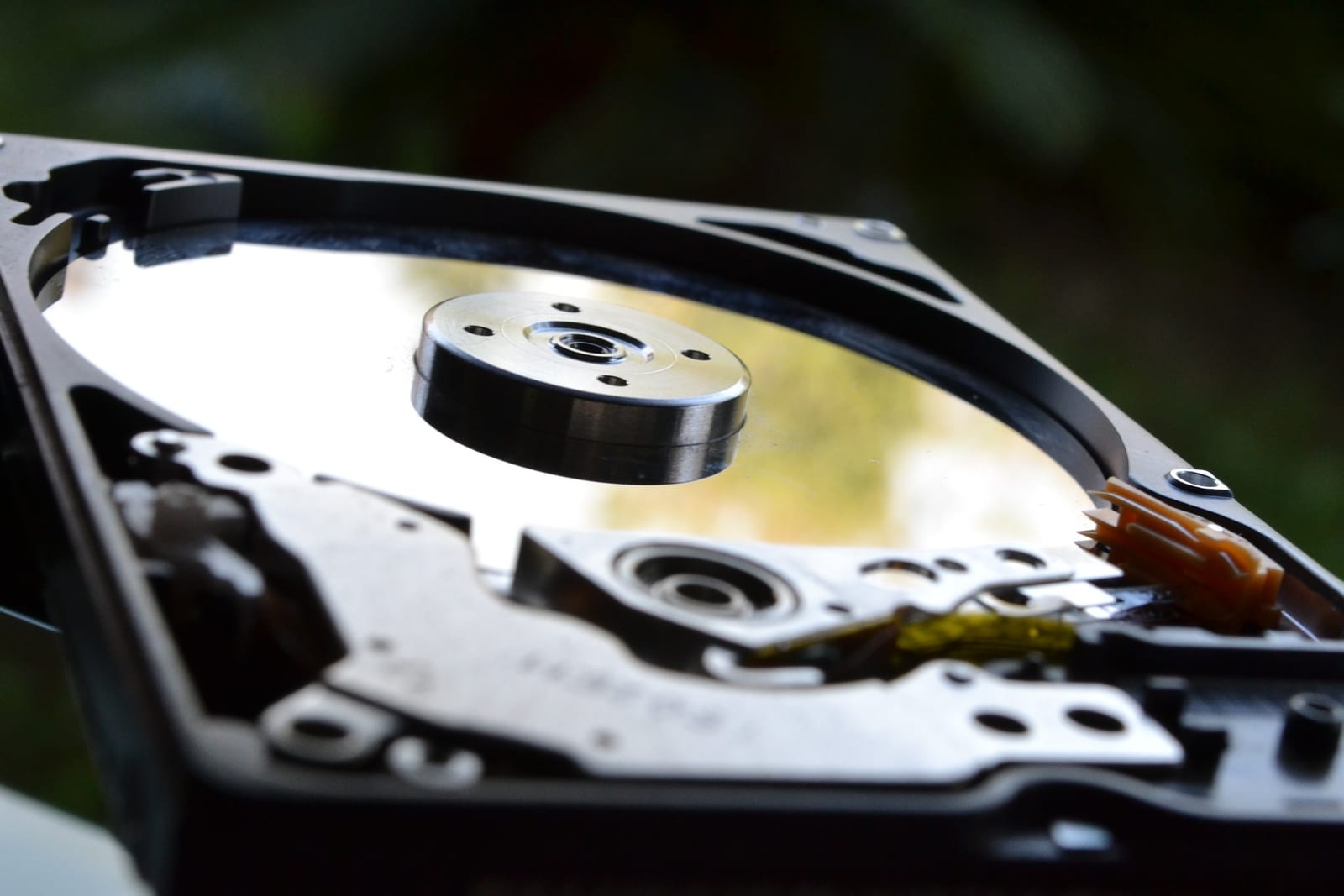
If you're like me, you're a digital hoarder. For some, your hoarding may come from your music collection. For others, your shutterbug streak has caused you to have pictures and video out the wazoo. Like a gas that expands to fill all available space, often people's digital lives expand to fill their hard drives. The problem is compounded when you have multiple people per household. Parents, kids. Now you're generating three to five times the data as a single person.
If you try to follow one of the most basic tenets of safe computing, backing up, you'll find that copying all that stuff to an external hard drive is tedious and cumbersome. And if you have multiple PCs per house, that can also become expensive to buy individual backup drives.
Another common problem besides backup is media. If you record a lot of TV shows or movies, you'll quickly find that serving them through your desktop PC, or worse, your laptop, will require that they be on and running to do the job.
The solution to all of these problems is network-attached storage, or NAS. A NAS is a hard drive, or an array of drives, connected to a very simple computer that does nothing but serve those files throughout the network. Its simplicity is its power.
First and foremost, a NAS is a great way to back up all the PCs on your network. Just point each of your Windows PC's Backup settings, or your Mac's Time Machine, to separate folders on the NAS. Then each PC will handle their own backup. By using the backup mechanisms built into the operating system, you get things like file history, and the ability to restore files in an instant. And note, this also works on laptops with Wi-Fi. I've seen a lot of people be mistaken that laptops can't be backed up, just because they're wireless.
And because they are essentially a mini computer, a NAS also has its own backup capabilities. In this case, cloud backups. Once you do a backup of everyone's PCs, those files can be backed up to the cloud, in case the NAS itself is destroyed in a fire, flood, or storm.
Secondarily, it can function as a family-wide storage locale. Common files the entire family needs, like videos, family photos, music, recipes, and more can have a centralized storage location.
When you purchase a NAS, it will generally come without a hard drive. That's so you can purchase one however large you need. Based on experience, I'd recommend Synology. Their software and setup process are pretty simple. You can get a one-drive NAS if you're in the home, or just looking to get going cheaply. But if you're in a business environment, where redundancy is critical, a two or four drive system is highly recommended.
For hard drives, purchase either WD Red drives, or Seagate IronWolf. Both are specifically designed for the 24/7 operation that a NAS requires.